How to Get Shaders in Minecraft: Java (Iris) and Bedrock
Get shaders in Minecraft Java with Iris and Sodium on Fabric or NeoForge and a shader pack in shaderpacks, or turn on Vibrant Visuals on Bedrock.

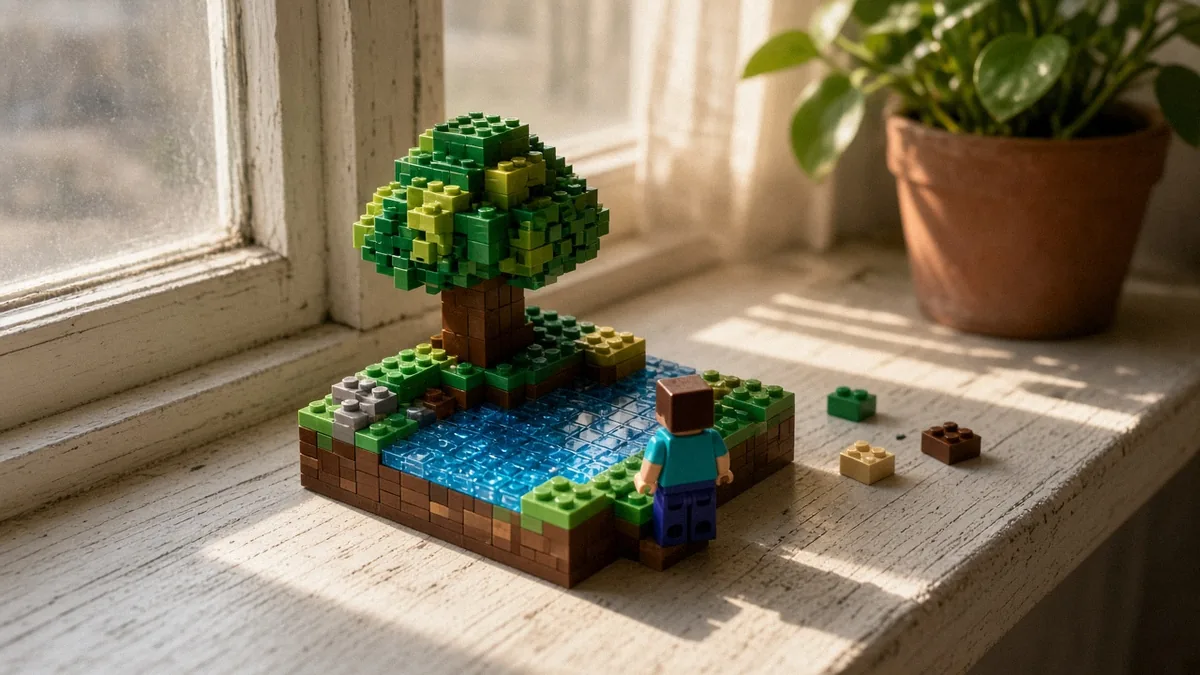
To get shaders in Minecraft Java Edition, install the Iris mod (plus Sodium, which it requires) on Fabric or NeoForge, put a shader pack .zip in the shaderpacks folder, then pick it under Options > Video Settings > Shader Packs. Bedrock has no shader mod to install: you turn on Vibrant Visuals, Mojang’s official lighting mode, from the Video settings.
We checked this in October 2026 against Java 26.3 and Bedrock 26.60 (released October 27, 2026). Java 26.4 is still in snapshots. One newer catch: Java 26.2 added an experimental Vulkan renderer, and Iris’s 26.2 build says Vulkan isn’t supported, so shader users should keep the game on OpenGL.
Key takeaways
Java vs Bedrock: which shader route do you have?
The edition you play decides everything. Java uses community shader packs through a mod. Bedrock uses Mojang’s built-in graphics mode.
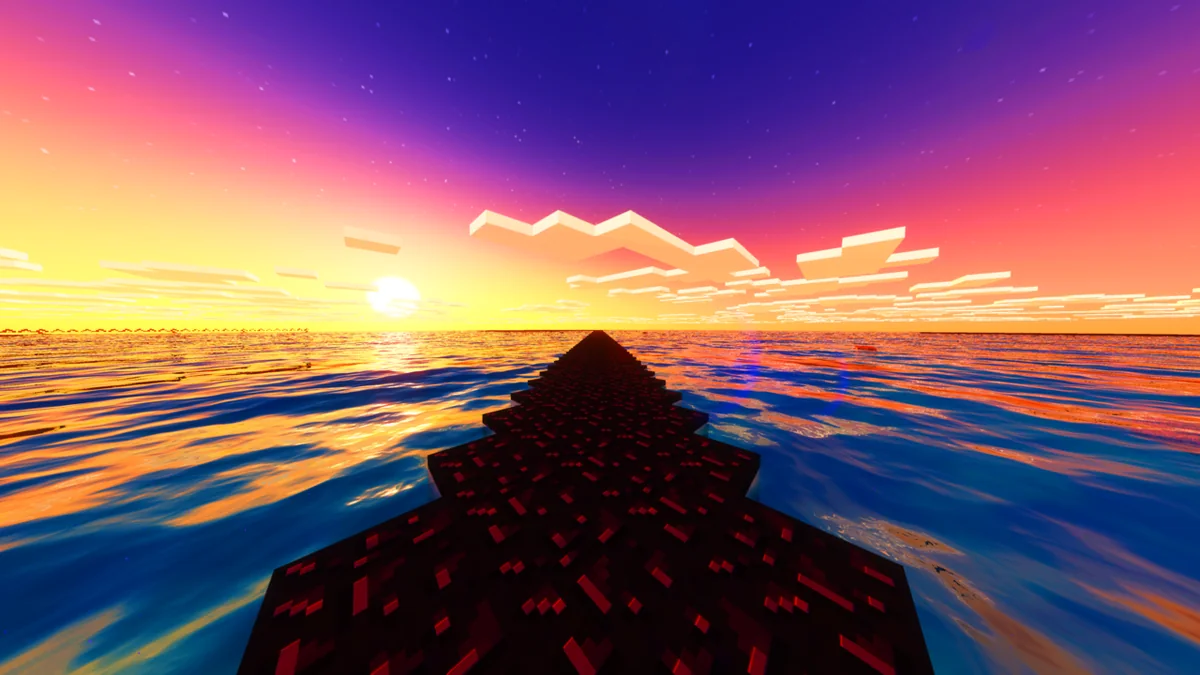
| Edition | How you get shaders | What you install |
|---|---|---|
| Java (PC, Mac, Linux) | Iris mod (or OptiFine) plus any shader pack | Fabric or NeoForge, Iris, Sodium, a pack .zip |
| Bedrock (Windows, consoles, mobile) | Vibrant Visuals graphics mode, added in 1.21.90 (June 17, 2025) | Nothing; it’s a setting |
How to get shaders in Minecraft Java with Iris
Iris is an open-source shader mod for Fabric and NeoForge. Its Modrinth page lists Iris 1.11.7 for 26.3, released September 30, 2026, and says it supports almost all shader packs made for OptiFine.
- Install Fabric (or NeoForge) for your game version and launch its profile once. Iris runs on either, so if you already play a NeoForge modpack, grab the NeoForge build instead of switching loaders.
- Download Iris from Modrinth and Sodium, choosing files that match your exact Minecraft version and loader.
- Put both .jar files in your mods folder.
- Launch the game once more. Iris creates a
shaderpacksfolder next tomods. - Download a shader pack. Complementary Reimagined, BSL, Photon and Sildur’s are long-running options. Each comes as a .zip.
- Drop the .zip into
shaderpackswithout extracting it. - In game, open Options > Video Settings > Shader Packs, select the pack and click Apply.
Iris 1.11.7 is on CurseForge too, so you can add it from the CurseForge app instead. Forge players are the exception: Iris has no Forge build, and OptiFine’s last Forge-compatible release is HD U J9 for 1.21.11, so shaders on 26.3 mean switching to Fabric or NeoForge.
Most packs ship with presets (often Low through Ultra) in their own settings screen. Start one step below where you think your PC sits and raise it from there.
Where is the shaderpacks folder?
It sits beside the mods folder in your game directory. You can also open it straight from the Shader Packs screen in game, which is the easiest route.
- Windows:
%appdata%\.minecraft\shaderpacks - macOS:
~/Library/Application Support/minecraft/shaderpacks - Linux:
~/.minecraft/shaderpacks
If your loader profile uses its own game directory, look there instead. A pack that doesn’t appear in the list is usually in the wrong folder, extracted, or sitting inside a second .zip.
Do you need OptiFine for shaders?
No. Both Iris and OptiFine load shader packs, and Iris is our pick for most players in 2026, for two practical reasons: it runs alongside Sodium and the rest of the Fabric and NeoForge mod scene, and it tends to support new game versions quickly. Iris’s 26.2 build went up on Modrinth the same day 26.2 released, June 16, 2026.
OptiFine is a single standalone mod with its own installer and built-in zoom and resource-pack features. It doesn’t play well with Sodium, and it trails new versions. On October 30, 2026, optifine.net had no 26.3 build, only 26.2 previews (HD U K2 pre5, October 20, 2026) that don’t work with Forge. Its last full release, HD U J9, is for 1.21.11. On 26.3, use Iris.
Set the Graphics API to OpenGL (Java 26.2 and later)
Many shader guides were written before Mojang started moving Java to Vulkan. That move matters, because shader mods still render through OpenGL.
| Java version | Graphics API setting | What to do for shaders |
|---|---|---|
| 26.1 and earlier | None; OpenGL only | Nothing to change |
| 26.2 (June 16, 2026) | Default, Prefer Vulkan (Experimental), Prefer OpenGL. Default behaved like Prefer OpenGL at release. | Choose Prefer OpenGL |
| 26.3 (Sept. 15, 2026) | Same setting | Choose Prefer OpenGL so a changed default can’t catch you |
Sources: Mojang’s 26.2 release notes for the setting, and the Iris 1.11.0+26.2 changelog, which states that Vulkan is not supported. Mojang said in February 2026 that OpenGL will eventually be removed, with notice first, and that mods rendering through OpenGL will need more work than a normal update. The Iris team has posted that a Vulkan-capable successor, called Aperture, is in private testing with shader developers. Until that ships, OpenGL is the setting that works.
How to get shaders on Minecraft Bedrock
Bedrock players don’t download shader mods. Since Bedrock 1.21.90 (June 17, 2025), Vibrant Visuals has been the official option, adding directional light, moving shadows, volumetric fog and reflections on water and metal.
- Open Settings > Video.
- Find Graphics Mode and select Vibrant Visuals.
- Load a world. It’s cosmetic only, so friends without it can still join the same world.
Per Mojang’s 1.21.90 changelog, it’s the default on supported devices. Xbox One, Xbox One S, PlayStation 4 and some Android devices can turn it on manually, with a possible frame-rate hit. Server owners can also block it while players are connected, so if the option greys out on a server, that’s why.
Some Bedrock devices can’t run it at all: Vibrant Visuals isn’t available on ChromeOS, Fire tablets or the original Nintendo Switch. Switch 2 supports it.
Java players are still waiting. Mojang’s February 2026 update described Vulkan as the groundwork for bringing Vibrant Visuals to Java, with no release date given.
Shaders lagging? Fixes that actually move FPS
Shaders are the heaviest thing you can add to Minecraft. These changes help most, roughly in order:
- Drop the pack’s preset. Going from High to Medium usually beats any tweak in vanilla’s menu.
- Cut shadow distance in the pack’s settings, then render distance in Video Settings. Both multiply the work per frame.
- Keep Sodium installed. Iris requires it anyway, and it’s what keeps base chunk rendering fast.
- Laptops: make sure Java runs on the dedicated GPU. In Windows, that’s Settings > System > Display > Graphics, set to High performance for the Java executable your launcher uses.
To judge a pack fairly, test it in two places: somewhere with lots of light sources, like one of our Minecraft house designs lit with lanterns, and somewhere outdoors with water and leaves. Flip through a few Minecraft biomes and you’ll see quickly whether a pack’s water and foliage are worth the frames it costs.
Do shaders work in multiplayer?
Yes, on Java. Modrinth lists Iris as a client-side mod, so it only changes what your own screen draws. You can join most Java servers with it installed, the server doesn’t need Iris, and other players see their own settings, not yours.
Two limits apply. A server that requires its own modpack may ship a specific Iris version, so use theirs. And on Bedrock, dedicated servers can block Vibrant Visuals while you’re connected, per Mojang’s 1.21.90 notes, so the toggle can disappear on some servers even when it works in single player.
If you share screenshots, say which pack and preset you used. Shader looks vary so much between packs that “Minecraft with shaders” tells a friend almost nothing.
Minecraft shaders FAQ
Are Minecraft shaders free?
Yes. Iris, Sodium and long-running packs such as Complementary Reimagined, BSL and Photon are free downloads on Modrinth and CurseForge. On Bedrock, Vibrant Visuals is a built-in setting at no extra cost. If a site asks you to pay for one of these, you’re on a reupload page, not the real source.
Are Minecraft shaders safe and legal?
Yes, when you get them from Modrinth, CurseForge or the developer’s own page. Iris is open source, and shader packs only change how your game draws light and color. They don’t give gameplay advantages, so servers rarely object, but check a server’s rules if it lists allowed mods. Skip reupload sites with download buttons buried in ads.
Can you get shaders on Minecraft PE/mobile?
Not Java shader packs. Minecraft on phones is Bedrock Edition, so the official route is Vibrant Visuals in Settings > Video > Graphics Mode. It’s on by default on supported devices, and some Android devices can switch it on manually. Fire tablets can’t run it. Third-party “shader” apps for mobile aren’t official, so skip them.

Ava Sinclair
Lead Analyst, ChessAva builds GameQuants' engine-evaluation and rating-system models and leads data-quality review across the desk.
More from Gaming
How to Install Minecraft Mods on Java and Bedrock (2026)
Install Minecraft mods on Java with Fabric or NeoForge: match your version, drop .jar files in the mods folder, play…

How to Tame a Ghast in Minecraft: Raise and Ride a Happy Ghast
Regular ghasts can't be tamed. Raise a Happy Ghast instead: hydrate a Dried Ghast in water, grow the ghastling, then…
How to Find a Village in Minecraft: Biomes, Maps and /locate
Find a village in Minecraft fast: travel the biomes that hold them, scan from high ground, use a seed map…